Smartwatch Vs Phone Gap
Your phone carries the load. A smartwatch only trims seconds. Sometimes that is enough. Sometimes it is not.
Apple Watch and Samsung Galaxy Watch mirror notifications, track movement, and push quick replies. The phone still does the real work. The watch just moves friction from pocket to wrist. About 80% of smartwatch users still complete tasks on their phone after seeing alerts, according to mobile usage studies from Deloitte.
Skip convenience. It hides dependency.
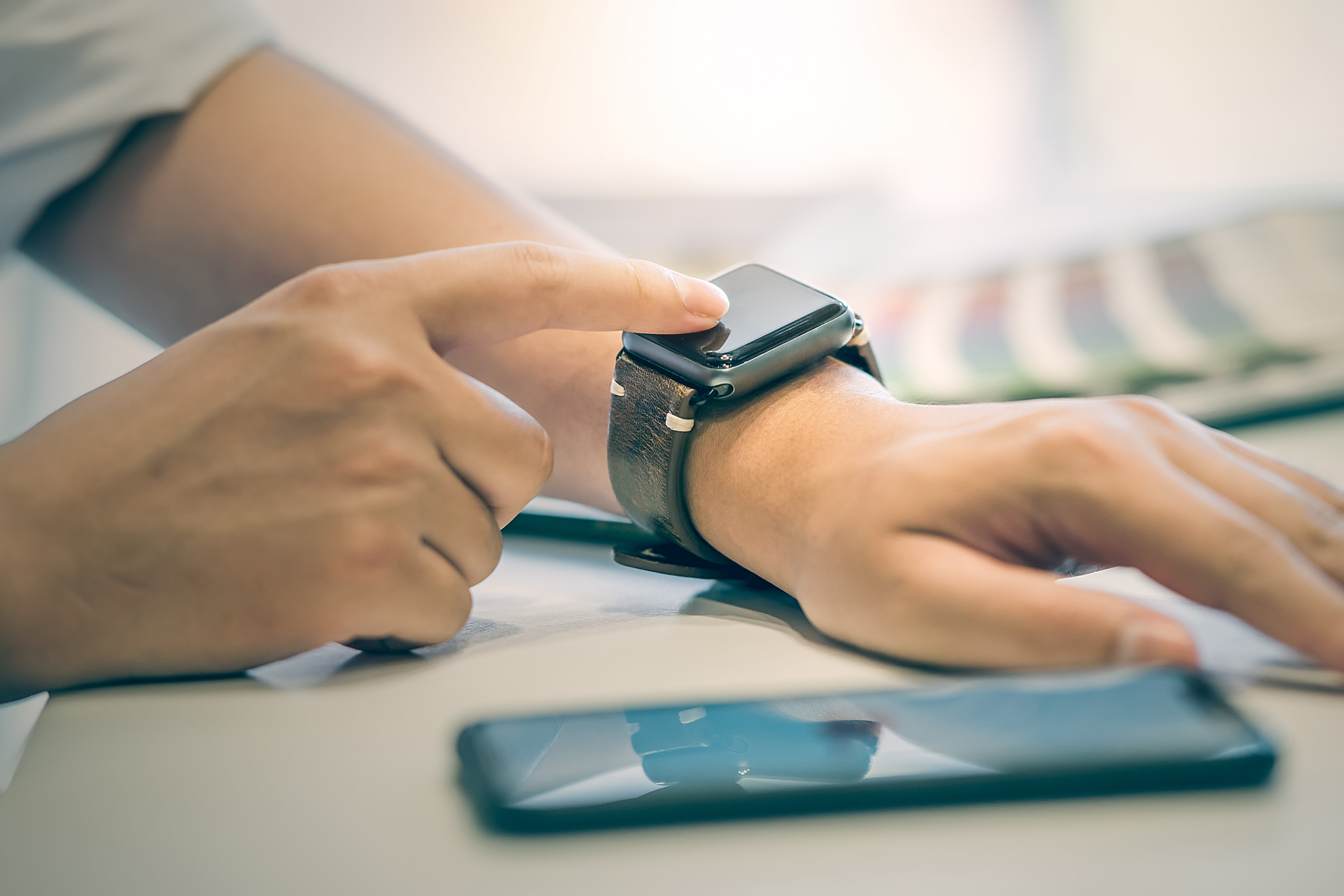
A notification on the wrist feels lighter than a phone buzz. That changes behavior in small ways. You check more often. Not less.
One tap replaces unlocking. 3 seconds saved. Repeated 50 times a day, it adds up. Or it just fragments attention further...
Skip the phone reach. It becomes reflex.
Where Smartwatches Fail
Battery limits are the first wall. Most devices last 18 to 36 hours. That means daily charging becomes routine, not exception.
People forget this early. Then wearables die mid-day during workouts or meetings. A dead watch is just metal and glass.
Skip expectations. Battery wins.
Typing is another break point. Even with voice dictation, responses feel clipped and slow. Long messages never belong on a wrist interface.
Fitness tracking can drift too. Step counts vary by 10–15% between devices depending on motion algorithms and wrist placement. That gap looks small until you rely on it for goals.
And then there is attention. Constant wrist alerts pull focus away in smaller, more frequent bursts than phone notifications.
That adds up quietly.
What Works In Practice
Notifications Only Mode
Turn off everything except calls and key apps. This reduces wrist noise by more than half on most setups.
Users of Apple Watch often report fewer interruptions after limiting alerts to messages and calendar events only. The device becomes a filter, not a stream.
Less buzz. More silence.
Fitness Tracking Reality
Wearables shine when numbers matter. Heart rate trends, sleep duration, and step consistency give usable patterns over time.
Fitness apps tied to Fitbit and Samsung Galaxy Watch show weekly averages that help spot inactivity spikes. Not perfection. Direction.
One workout. Logged fast.
Payment Tap Use
Contactless payments turn the watch into a backup wallet. Apple Pay and Google Wallet support wrist taps in most urban stores.
This removes phone dependency during short trips. Coffee runs drop a few steps in friction. No wallet digging. No phone unlock.
Skip wallets. Tap faster.
Battery Habits
Charging becomes part of routine. Most users charge during shower time or desk hours.
Devices like Apple Watch Series 9 support fast charging to about 80% in under an hour, which shifts behavior toward micro-charging cycles.
No charge plan. No watch.
Sleep Tracking Limits
Wrist sleep tracking works best when you accept noise in the data. Movement does not always equal rest quality.
Still, patterns matter. Seven nights showing 5.5 hours average tells more than guesswork. But accuracy is never perfect...
Wear comfort decides everything here.
Real World Cases
A project manager in Berlin switched to an Apple Watch during a high-meeting workload. Phone checks dropped from roughly 120 per day to about 80. Not a revolution, but less context switching.
A runner using Fitbit tracked training consistency for 6 months. Step variance between days dropped by 18% after visual feedback loops pushed daily movement targets.
Another case: a retail worker using Samsung Galaxy Watch relied on wrist payments to avoid carrying a phone on shop floor shifts. Transaction time dropped from around 20 seconds to under 5.
Small shifts. Real patterns.
None of these users replaced their phone. They just changed how often it controlled attention.
Buying Checklist Table
| Factor | Watch Needed | Phone Enough | Note |
|---|---|---|---|
| Notifications | Fast glance | Yes | Wrist reduces pulls |
| Fitness | Continuous | Manual | Trends matter |
| Payments | Tap wrist | Yes | Speed gain |
| Battery | Daily charge | None | Routine shift |
Common Mistakes
People expect independence from a smartwatch. That expectation breaks early. The phone still leads every core task.
Another mistake is enabling every notification. This turns a wearable into a constant interruption engine. Disable most alerts from day one.
Skip full syncing. It overwhelms.
Buying for aesthetics alone also fails. A watch that looks good but gets ignored after a week becomes expensive jewelry.
Some users overestimate fitness precision. Wrist-based heart rate can lag during high-intensity intervals. Chest straps still outperform for accuracy.
And then there is charging neglect. Miss one night and the device is gone the next morning.
FAQ
Do I Need A Smartwatch If I Have A Phone?
No. The phone already covers core tasks. A smartwatch only changes speed and interaction style, not capability.
Which Is Better, Apple Or Samsung Watch?
Apple Watch works best inside iPhone ecosystems. Samsung Galaxy Watch integrates better with Android devices. The phone ecosystem decides more than features do.
Does A Smartwatch Improve Fitness?
It improves tracking consistency, not fitness itself. Regular feedback can support habits, but effort still drives results.
How Long Do Smartwatch Batteries Last?
Most last between 18 and 36 hours. Some fitness-focused models stretch longer by limiting features and screen use.
Are Smartwatches Distracting?
Yes if notifications are left on by default. With strict settings, they reduce phone pickups instead of increasing them.
Author's Insight
In my experience, the smartwatch becomes useful only after restraint. The first setup usually goes wrong. Too many alerts, too much syncing, too much noise. Once trimmed down, it turns into a quiet layer on top of the phone.
I stopped treating it as a mini-phone. That shift changed everything...
Summary
A smartwatch does not replace a phone. It reshapes how often you reach for it. The value sits in small gains: faster glances, cleaner fitness logs, and quick payments.
Set limits early. Strip notifications. Let it do less, and it starts doing more in return.